WiFi Microcuts: Why your Connection Drops
💡 Quick Tip
Unstable connection? WiFi microcuts in 2026 are often the result of frequency hops by DFS radars. Adjusting spectrum management is vital to maintain data persistence.
The 65 Blackout and the Fragility of Networks
In 1965, a small failure caused the collapse of the entire NE US power grid. Your WiFi suffers a similar phenomenon. In 2026, we live in a hostile radio environment.
Desmitificación: Power is not Stability
Common perception is that "more signal bars" mean better connection. It's false. As Cinto Casals, AI Architect, describes, "in 2026, silence is more valuable than power; a router that screams too loud just generates more noise."
Diagnosis: The DFS Radar Jump
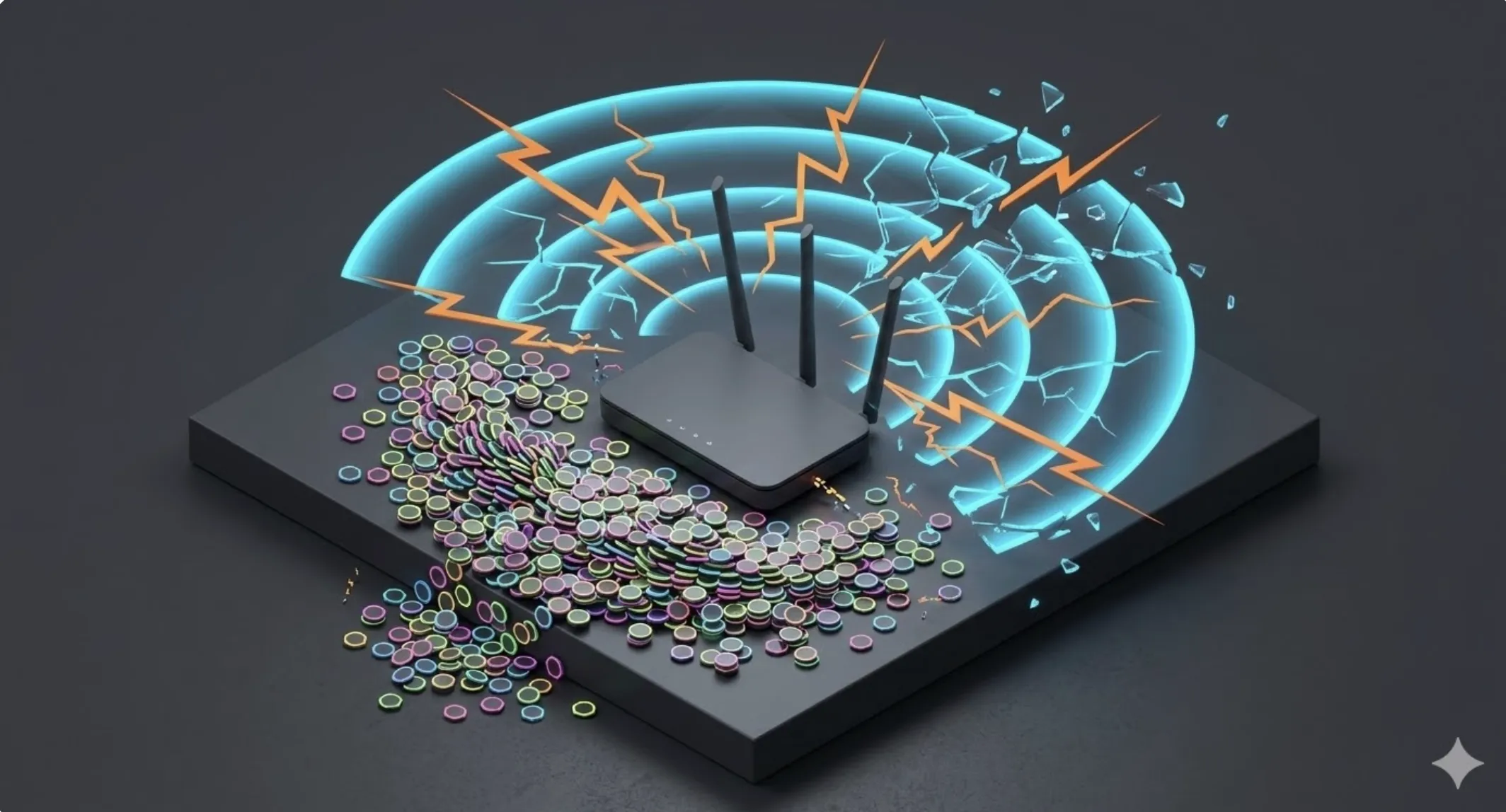
The most frequent diagnosis in 5 GHz is DFS. By law, your router must leave the channel if it detects weather radar. This creates temporary data islands.
📊 Practical Example
Real Scenario: Solving DFS Radar Hops
A user suffers random disconnects on their 5 GHz network. After auditing logs, they find the system jumps frequencies due to weather radars (DFS). By manually fixing the router to channel 44 (non-DFS) and prioritizing the 6 GHz band, the drops completely disappear.