Display Technologies: OLED vs. LCD and LTPO
💡 Quick Tip
Key: OLED screens have no backlight; each pixel generates its own light, allowing for true blacks.
Fundamentals of Mobile Visualization
The screen is the most energy-consuming component in a mobile device. Currently, the industry is split between two main technologies: LCD (Liquid Crystal Display) and OLED (Organic Light Emitting Diode).
Technical Operation: Light vs. Filters
- LCD (IPS): Requires a constant backlight. Liquid crystals act as shutters that open or close to let light through. The problem is that "shutters" aren't perfect, so black always looks slightly grayish.
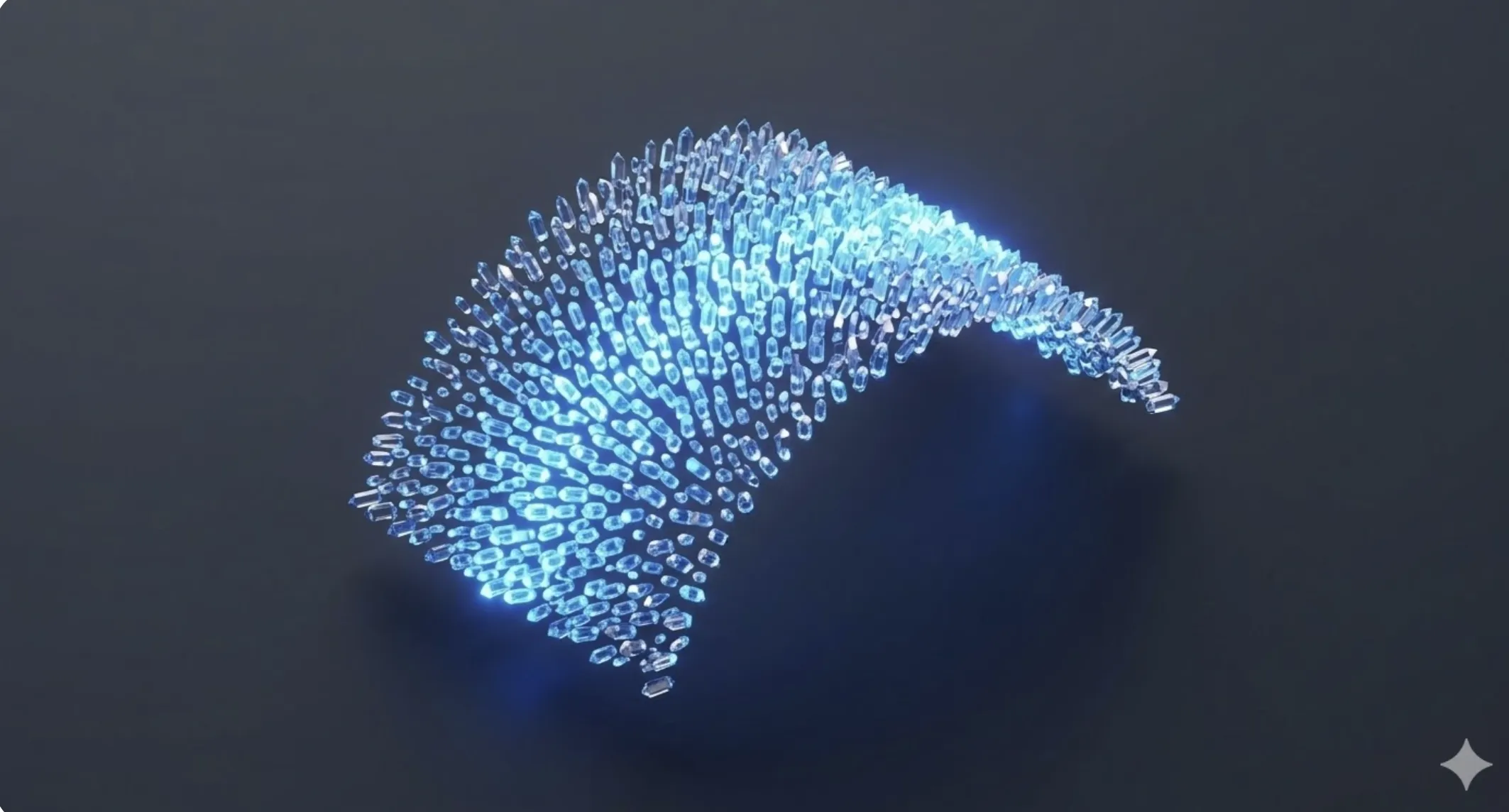
- OLED: Each pixel is a tiny organic diode that lights up individually. When the system wants to show black, it simply turns off the pixels. This results in infinite contrast and significant battery savings in dark mode.
LTPO (Low-Temperature Polycrystalline Oxide) Innovation
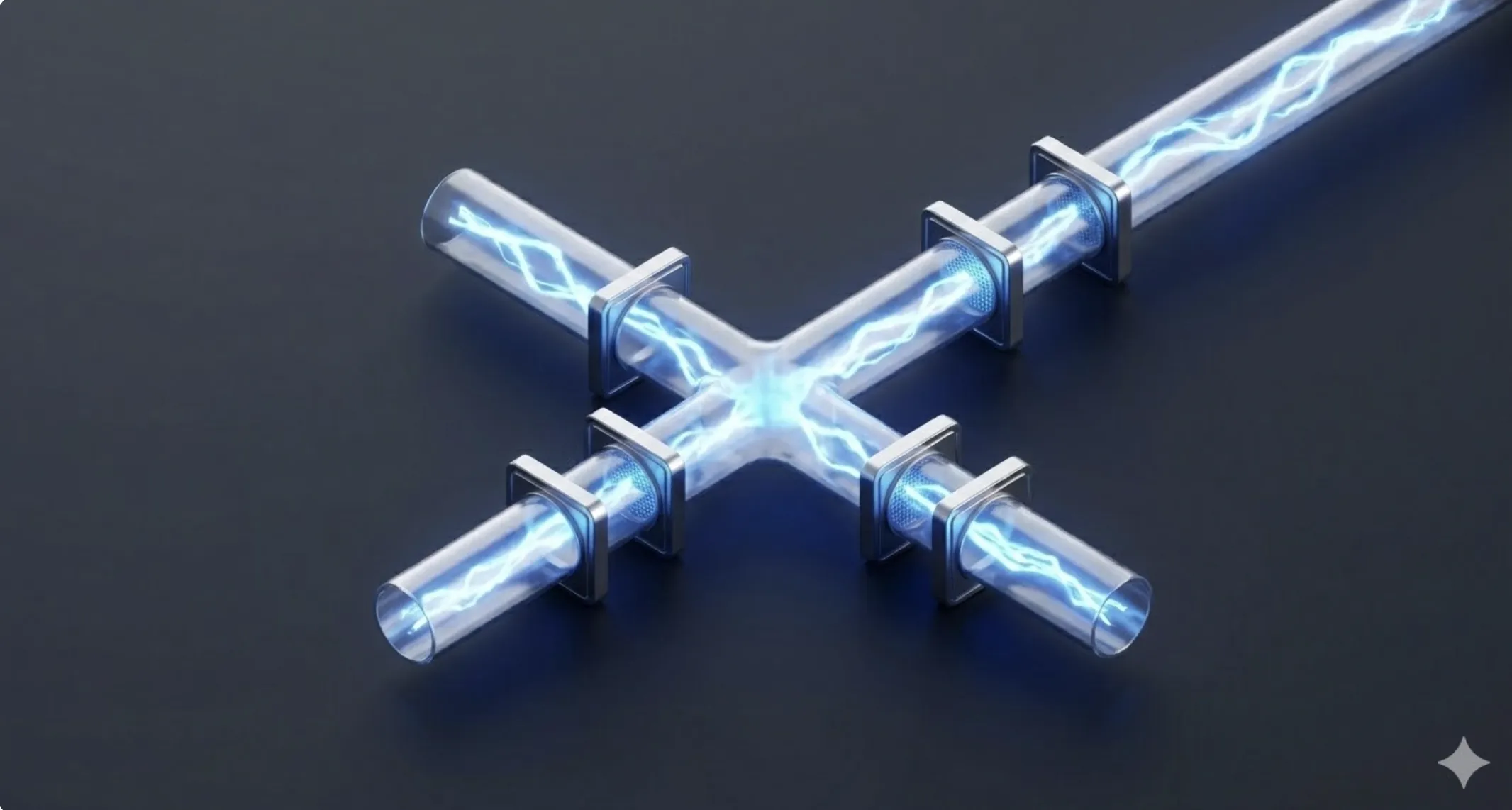
The biggest challenge for high-refresh-rate (120Hz) screens is battery drain. LTPO technology allows the refresh rate to vary dynamically:
- High Frequency (120Hz): For gaming or scrolling, offering maximum fluidity.
- Low Frequency (1Hz): When the image is static (reading text or Always-on Display).
Color Spaces and Brightness (HDR)
Modern screens must meet standards like DCI-P3 for color fidelity and reach peak brightness levels above 2000 nits for outdoor readability. This is achieved via precise current control algorithms that prevent organic diode burn-in.
📊 Practical Example
Real-World Scenario: Calibrating and Diagnosing an OLED Screen with 'Ghosting'
Step 1: Degradation Verification. Use solid 50% gray images. On OLED, this reveals if certain diodes have lost brightness unevenly due to static elements like the status bar.
Step 2: Software Adjustment. Many mobile OS include 'Pixel Shifting' algorithms, moving the image one pixel imperceptibly every few minutes to spread diode wear.
Step 3: PWM (Pulse Width Modulation) Management. Analyze if the user experiences eye strain. OLEDs regulate brightness by flickering rapidly (PWM). Low flicker frequencies can cause discomfort.
Step 4: Technical Replacement. If burn-in is physical, there is no software fix. When replacing the panel, it is vital to recalibrate the ambient light sensor and the under-display fingerprint digitizer, as they are paired to the original panel ID.