Fast Charging: USB-PD, PPS Protocols, and Safety
💡 Quick Tip
Pro Tip: Fast charging doesn't damage the battery due to voltage, but due to generated heat. Keep the phone cool while charging.
The Science of Speedy Charging
Fast charging relies on the intelligent manipulation of Watt's Law ($P = V \cdot I$). To increase power (W), manufacturers can raise voltage (V) or current (A), but each path presents different technical challenges.
Standard Protocols: USB Power Delivery (PD)
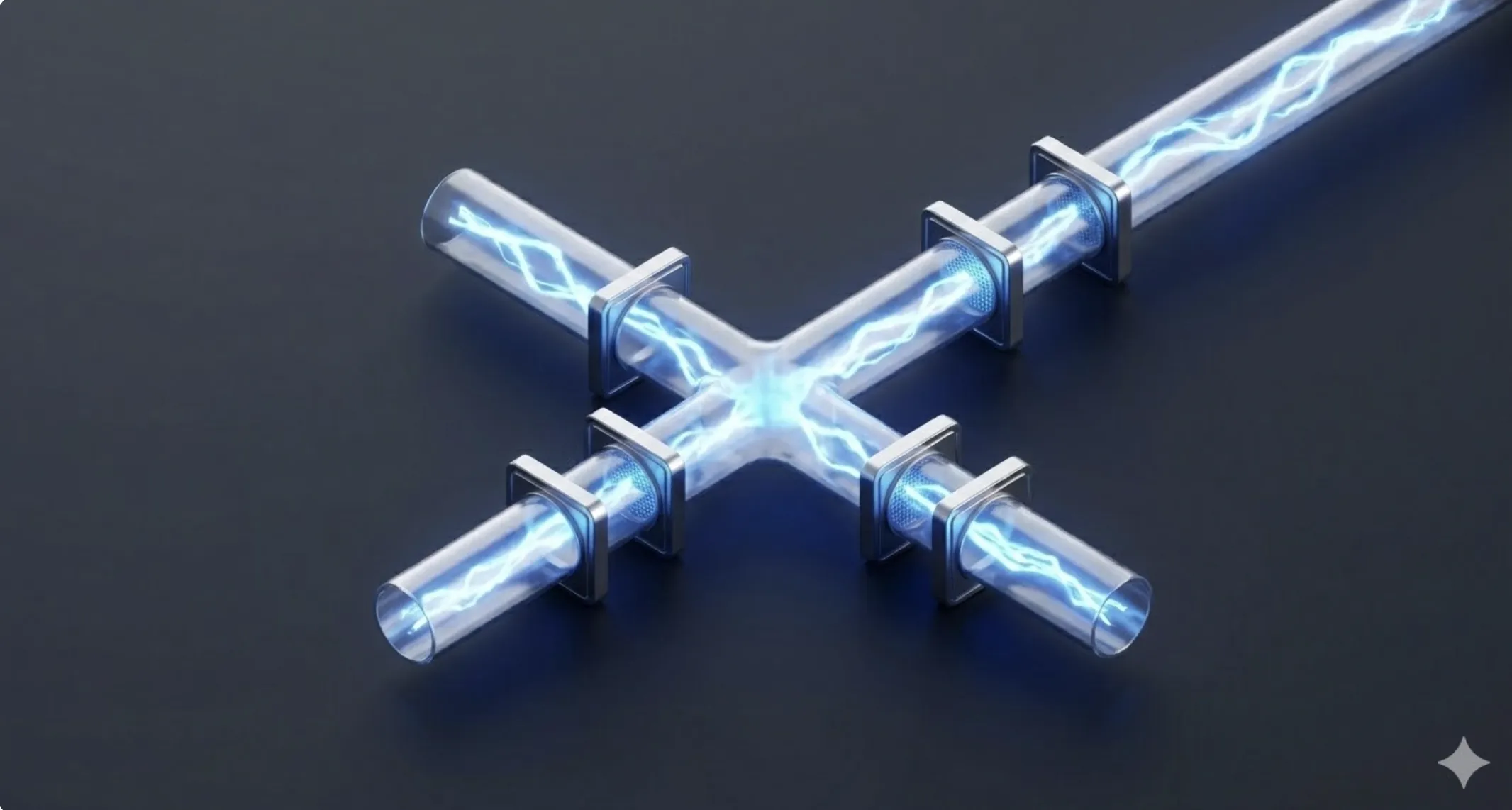
The universal standard is USB-PD. It uses digital communication between the charger and phone via the USB-C cable. The phone "negotiates" with the charger which power profile it needs. Within this standard lies PPS (Programmable Power Supply), allowing the phone to request minute voltage changes (20mV steps) in real-time to optimize charging and reduce heat.
Thermal Management and Charging Stages
Fast charging is never constant. It is divided into phases:
- Constant Current Phase (Fast Charge): From 0% to 80%, where maximum possible power is injected.
- Constant Voltage Phase (Trickle Charge): From 80% to 100%, where speed drops drastically to protect lithium chemistry and prevent overheating.
Charge Pumps
To prevent heat generation inside the phone, many manufacturers use "charge pumps". These divide the charger voltage in half and double the current just before entering the battery, reducing energy wasted as heat.
📊 Practical Example
Real-World Scenario: Diagnosing Slow Charging in a Smartphone
Step 1: Cable Verification. The USB-C standard requires cables with an E-Marker chip to exceed 60W (3A). Generic cables trigger a safety protocol limiting charge to 10W.
Step 2: Port Inspection. Dirt or lint in the USB-C port prevents data pins (CC1/CC2) from communicating. No communication means no fast protocol negotiation.
Step 3: Protocol Analysis. Use a digital USB tester. If the charger offers 9V but the phone only accepts 5V, it indicates the phone detected excessive temperature or PPS failed to sync.
Step 4: Solution. Clean the port with isopropyl alcohol and use a certified cable. The USB-PD protocol should activate instantly, reducing charge time from 180 minutes to 50 minutes.