Git and the Gitflow Workflow: Version Control
💡 Quick Tip
Key: Never work directly on the 'master' or 'main' branch in professional projects.
Git: The Standard for Version Control
Git is a distributed version control system that allows multiple developers to work on the same code without overwriting each other's changes. Unlike older systems, Git manages history as a series of snapshots of the entire project, allowing you to travel through time between versions with amazing speed thanks to its data structure based on a Directed Acyclic Graph (DAG).
The Gitflow Structure
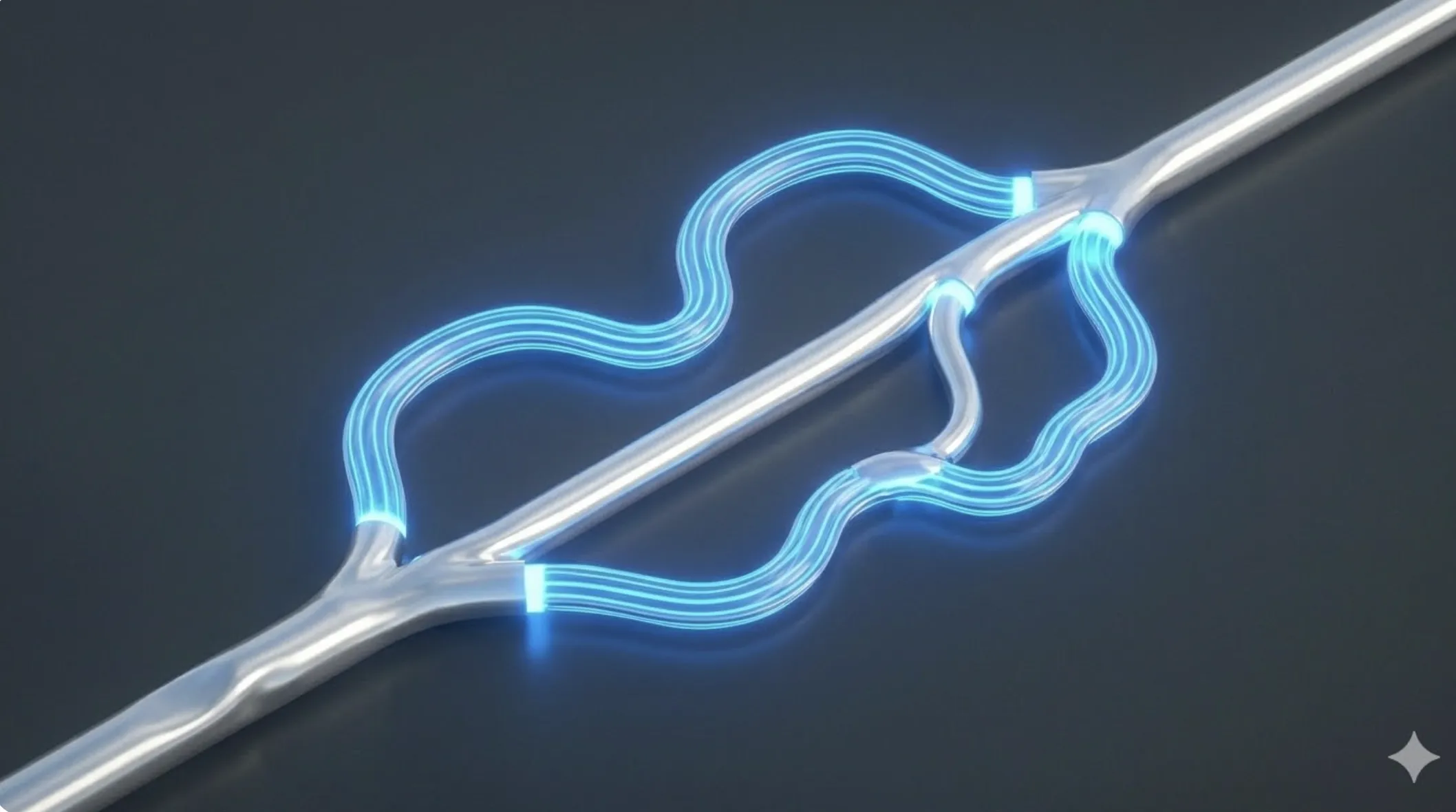
Professional teams use methodologies like Gitflow to organize work:
- Main/Master: Contains official production code.
- Develop: The integration branch where all new finished features are merged.
- Feature Branches: Temporary branches created for specific tasks.
- Release Branches: Preparation for a new version launch.
- Hotfix Branches: Emergency branches from
mainto fix critical production bugs.
📊 Practical Example
Real-World Scenario: Resolving a Critical Merge Conflict
Step 1: Conflict Identification. Git stops the merge and marks the file with <<<<<<< HEAD tags. This indicates the system does not know which version is correct.
Step 2: Manual Resolution. The developer opens the file, analyzes both technical proposals, and decides whether to overwrite or combine the logic.
Step 3: Cleanup and Testing. After editing, Git markers are removed and unit tests are run to ensure the "merged" code hasn't introduced execution errors.
Step 4: Completion. Run git add . and git commit. Once pushed, the Git history is unified and stable.