Biometric Security: FaceID vs. Ultrasonic Sensors
💡 Quick Tip
Fact: Ultrasonic sensors work even with wet fingers because they use sound instead of light.
The Evolution of Unlocking
Mobile security has moved from simple patterns to complex biometric systems using dedicated hardware to create mathematical maps of features or prints. These systems must be fast and resistant to spoofing.
3D Facial Recognition (FaceID)
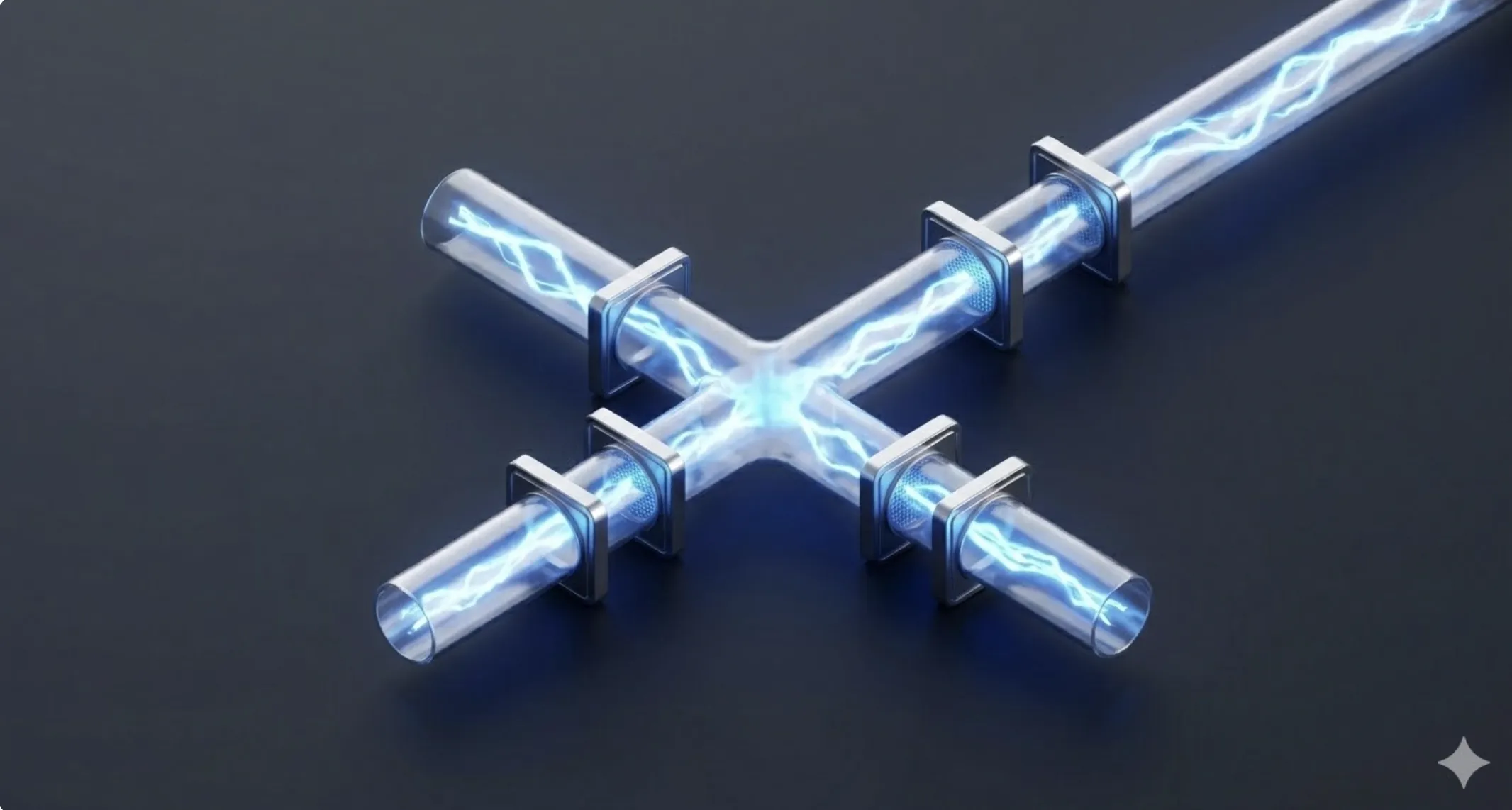
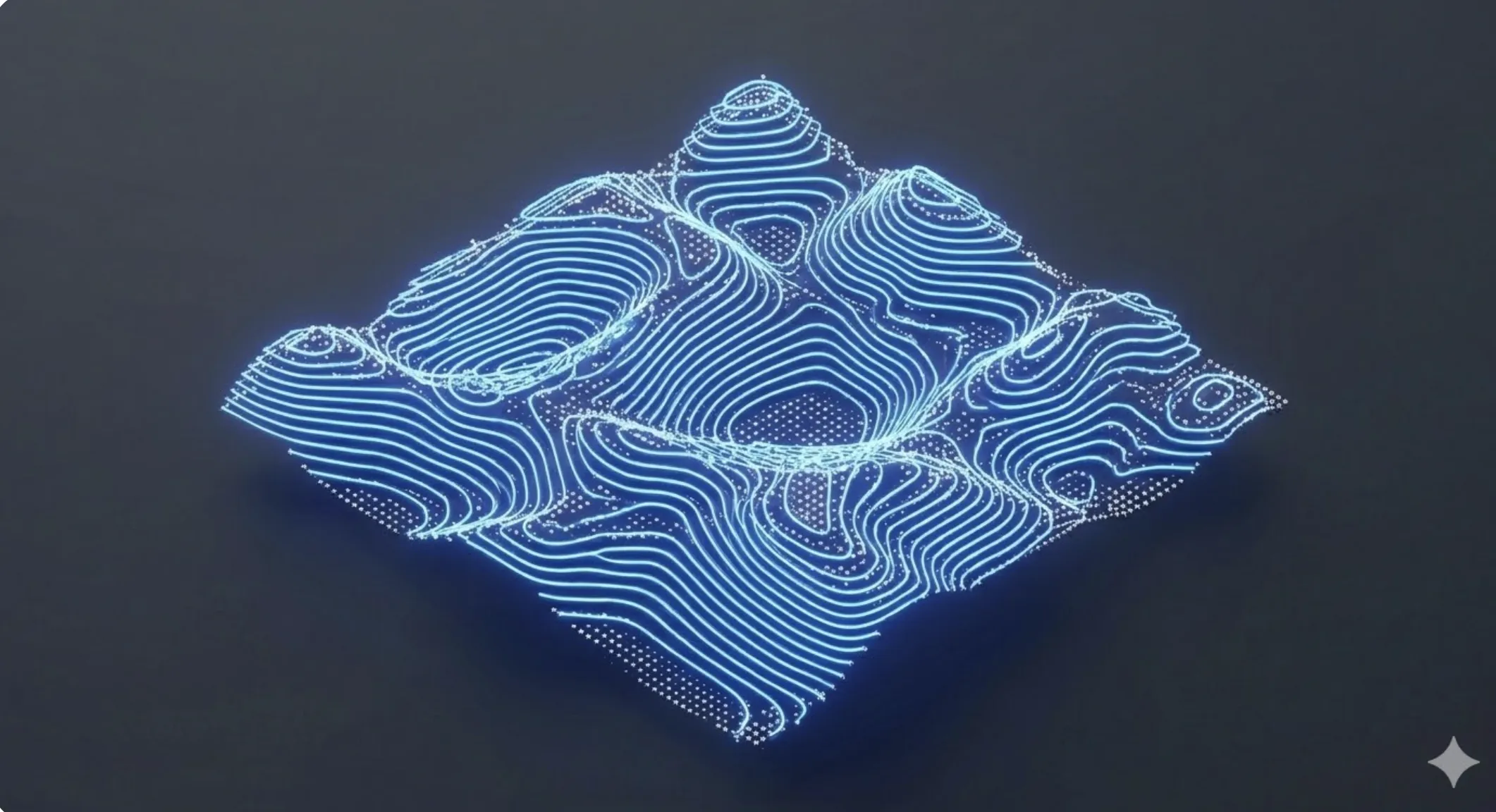
Unlike 2D camera-based systems, FaceID uses infrared light to create a depth map. The hardware consists of:
- Dot Projector: Projects over 30,000 invisible IR dots onto the face.
- Infrared Camera: Reads the dot pattern deformed by facial relief.
- IR Illuminator: Allows operation in total darkness. The SoC's NPU compares this 3D map with the one stored securely in the Secure Enclave, an isolated security processor.
Fingerprint Sensors: Optical vs. Ultrasonic
- Optical Sensors: Essentially a camera under the screen. They illuminate the finger and take a photo of the print ridges. They are fast but can fail with bright light or dirty fingers.
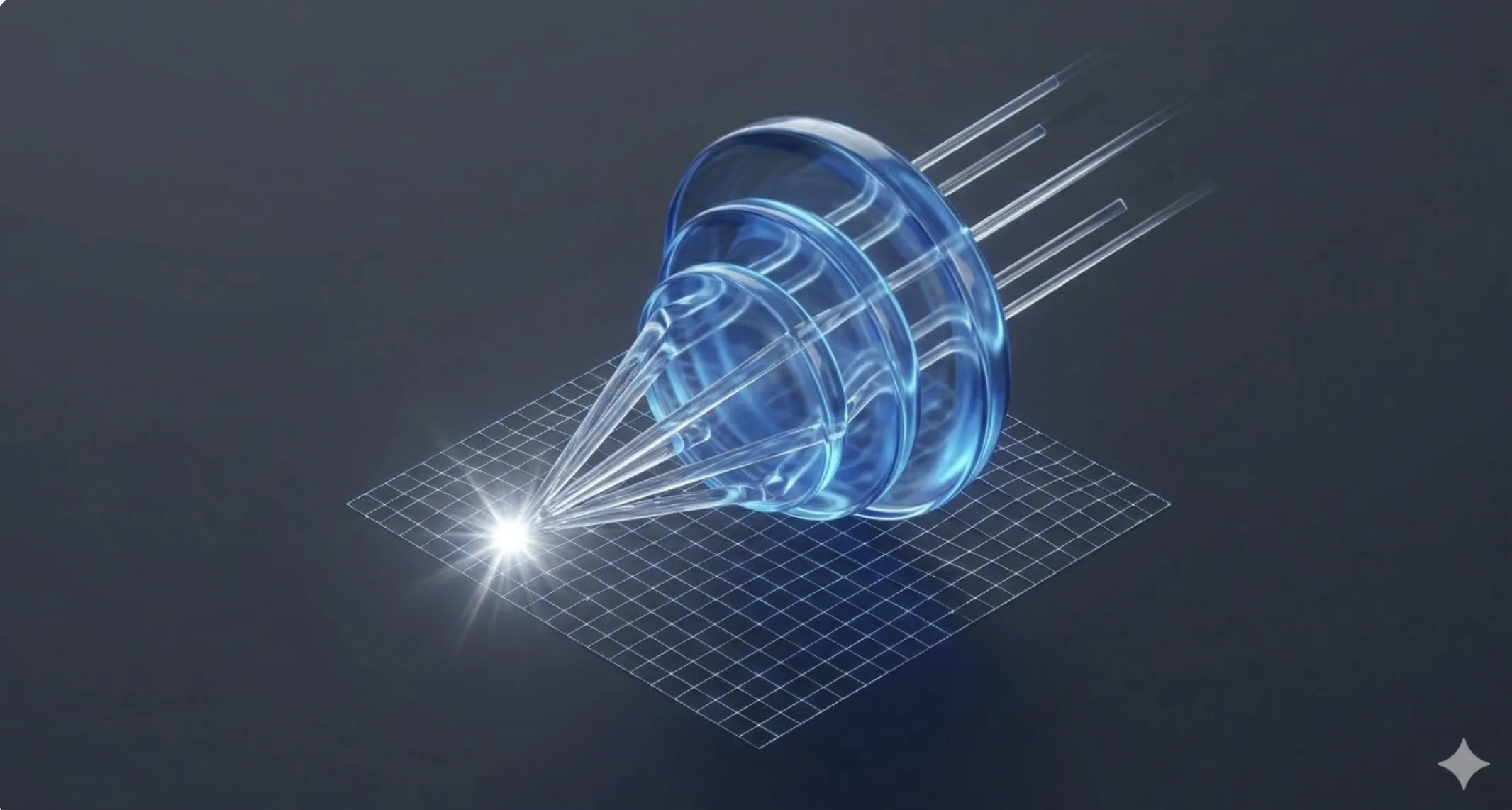
- Ultrasonic Sensors: Use a transducer that emits inaudible sound pulses. The sound bounces off the finger and returns. Since sound travels differently through skin than through the air in the print valleys, it creates a perfect 3D map of the finger, even through thick glass or moisture.
📊 Practical Example
Real-World Scenario: Authentication Failure after Screen Replacement
Step 1: Optical Calibration. If the sensor is optical, it needs light calibration. Different glass transparency affects reading. Use technical software tools to readjust sensor exposure values.
Step 2: Layer Inspection. In ultrasonic sensors, an air bubble between the sensor and the new panel will scatter sound, making the 3D map unreadable.
Step 3: Secure Enclave Verification. Check if the OS blocked biometrics for security. Many devices link the sensor ID to the main processor. A new sensor may require a data transfer from the original chip.
Step 4: Solution. Perform a deep clean of the sensor area and apply optically transparent adhesive (OCA). After reassembly and firmware updates, the sensor should recover its 99.9% success rate.