How to Separate 2.4 GHz and 5 GHz Bands on your Router
💡 Quick Tip
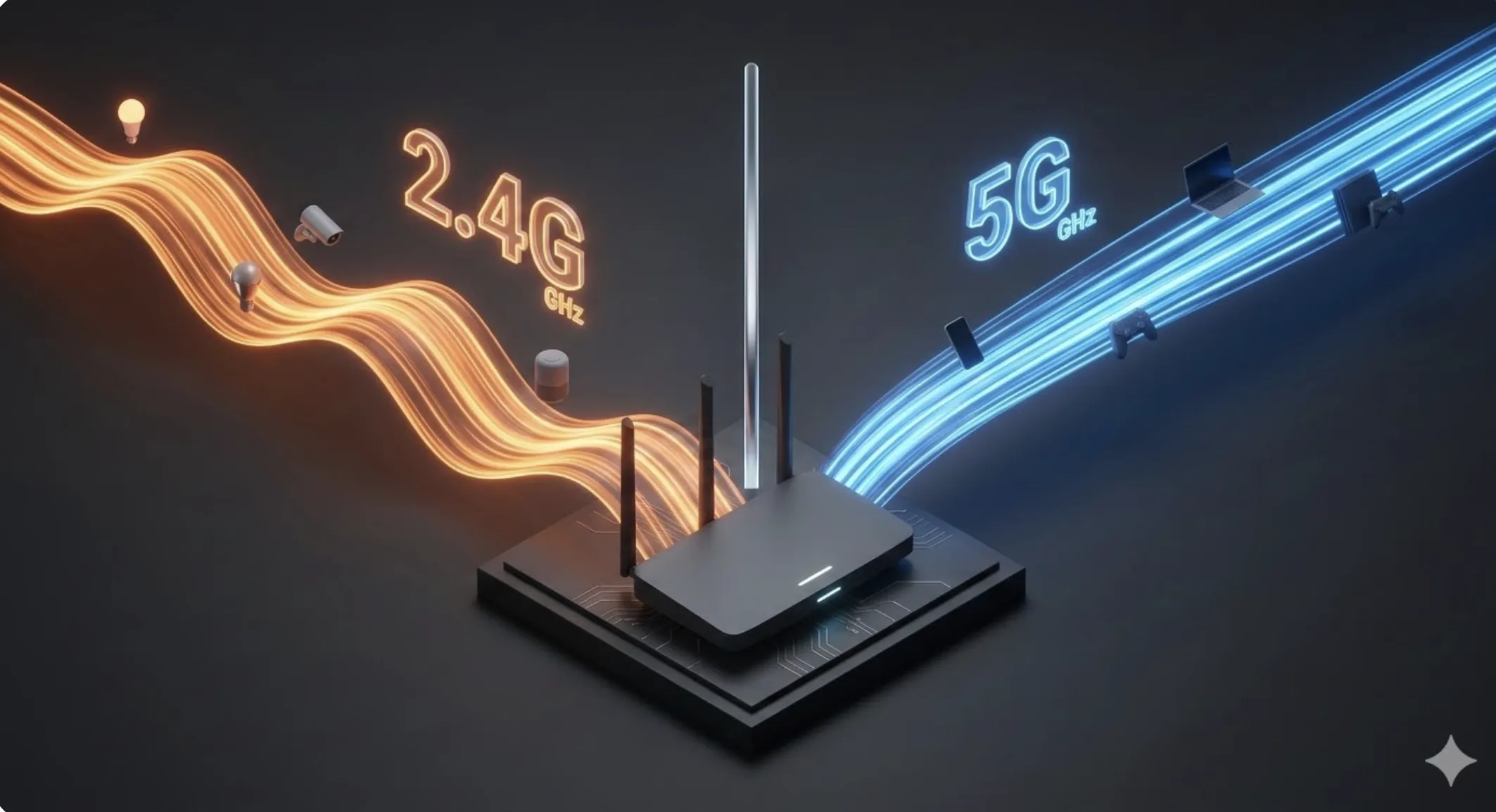
Network congestion? Manually separating 2.4 GHz and 5 GHz bands allows you to assign heavy traffic to the fast lane, preventing slow IoT from degrading your streaming.
The Titanic and Emergency Frequency Needs
After the Titanic, radio engineering understood that not all messages have the same importance. In 2026, your work PC should not share a "lane" with a cheap smart bulb.
Desmitificación: The Single SSID Fallacy
As Cinto Casals, AI Architect, describes, "manual band management is the only path for the power user to be the architect of their own spectrum."
Diagnosis: The Low-Speed Data Island Problem
By unifying bands, you create a data island where high and low-speed devices compete for Airtime. A temperature sensor can delay an 8K video load.
📊 Practical Example
Real Scenario: Eliminating Gaming Lag
A user experiences unstable latency on their gaming PC. After disabling "Smart Connect" in the router settings, they separate the networks into two distinct SSIDs. By connecting the PC exclusively to the 5 GHz band, latency stabilizes as the router stops the automatic band switching that caused micro-stuttering.