The TCP/IP Protocol and the OSI Model: Abstraction Layers
💡 Quick Tip
Technical fact: The OSI model is theoretical (7 layers), while the TCP/IP model is what actually implements the Internet (4-5 layers).
The Architecture of Digital Communications
For two electronic devices to communicate, they need a common language and a structure of rules. The OSI Model (Open Systems Interconnection) was created as a theoretical seven-layer framework to standardize these communications. However, the protocol suite that actually powers the Internet is TCP/IP. Understanding how these models interact is the foundation of any advanced network diagnostics.
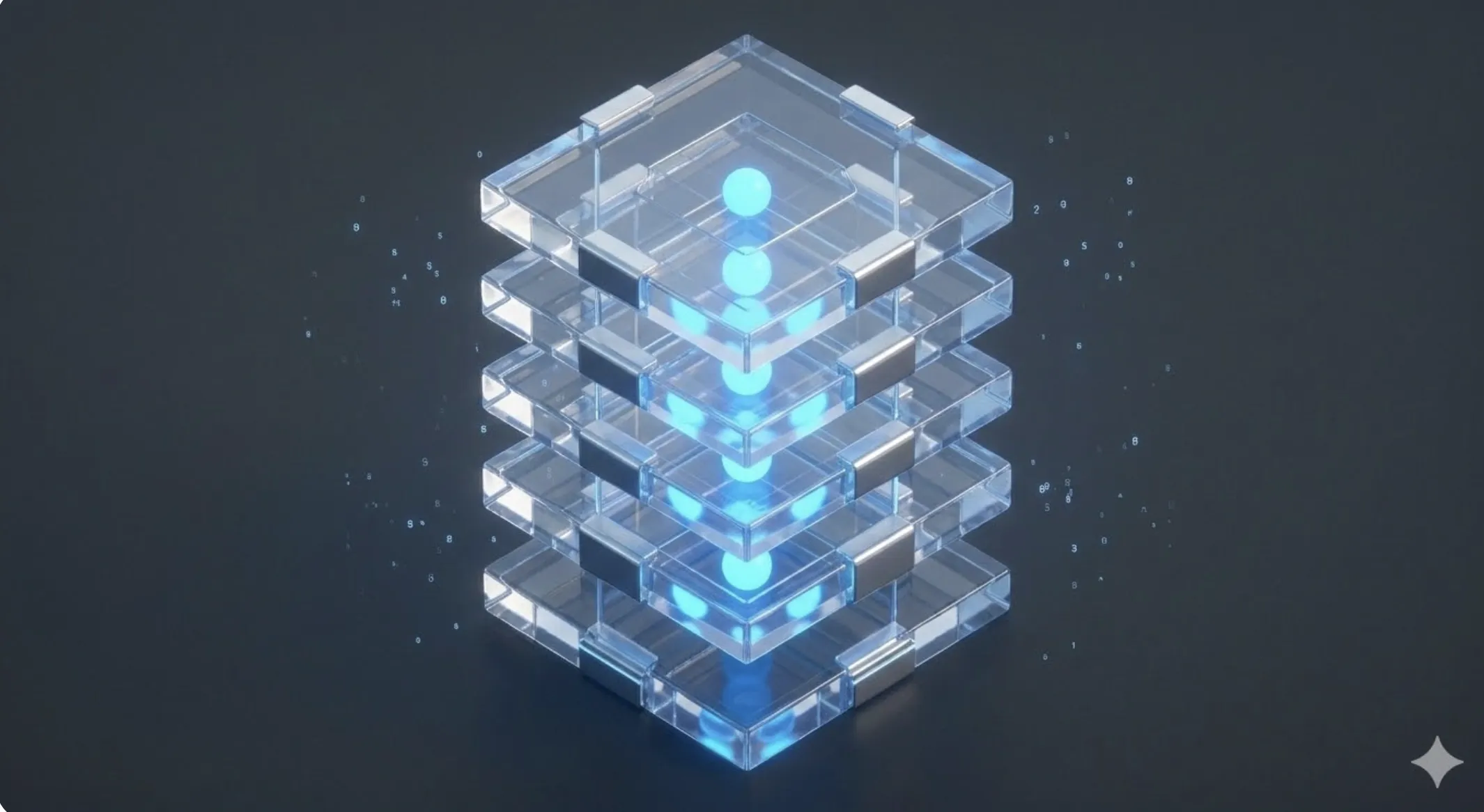
The 7 Layers of the OSI Model
- Physical: Transmission of bits over the physical medium.
- Data Link: Physical addressing (MAC) and error detection.
- Network: Logical addressing (IP) and path determination (routing).
- Transport: End-to-end data transfer (TCP/UDP).
- Session: Management of dialogues between applications.
- Presentation: Data translation, encryption, and compression.
- Application: Network services for the user (HTTP, FTP, SMTP).
The TCP/IP Model: Real-World Implementation
Unlike the OSI model, TCP/IP condenses the upper layers (5, 6, and 7) into a single Application layer. Its design is based on robustness and the ability to deliver packets even if parts of the network fail. The IP (Internet Protocol) ensures packets reach the correct destination, while TCP (Transmission Control Protocol) guarantees that data arrives complete and in the correct order via an acknowledgment system (ACK).
📊 Practical Example
Real-World Scenario: Latency Diagnosis in a Web Application
Step 1: Physical and Link Layer. We check error counters on the switch. If we see "Input Errors", the cable or port is physically damaged.
Step 2: Network Layer (IP). We use mtr (My Traceroute) to see the packet path. If we detect packet loss at an intermediate hop, the issue lies with a transit provider.
Step 3: Transport Layer (TCP). Analyzing traffic with Wireshark, we notice many "TCP Retransmissions". This indicates packets arrive, but the receiver doesn't acknowledge them in time. The bottleneck is likely in the server's queue congestion.
Step 4: Solution. We adjust the TCP Receive Window size (Window Scaling) in the server kernel to allow higher data throughput before waiting for an ACK, resolving the technical bottleneck.