Chipsets and Motherboards: The Nervous System
💡 Quick Tip
Key Fact: The chipset determines how many USB ports, M.2 slots, and PCIe lanes you can use simultaneously.
The Role of the Chipset
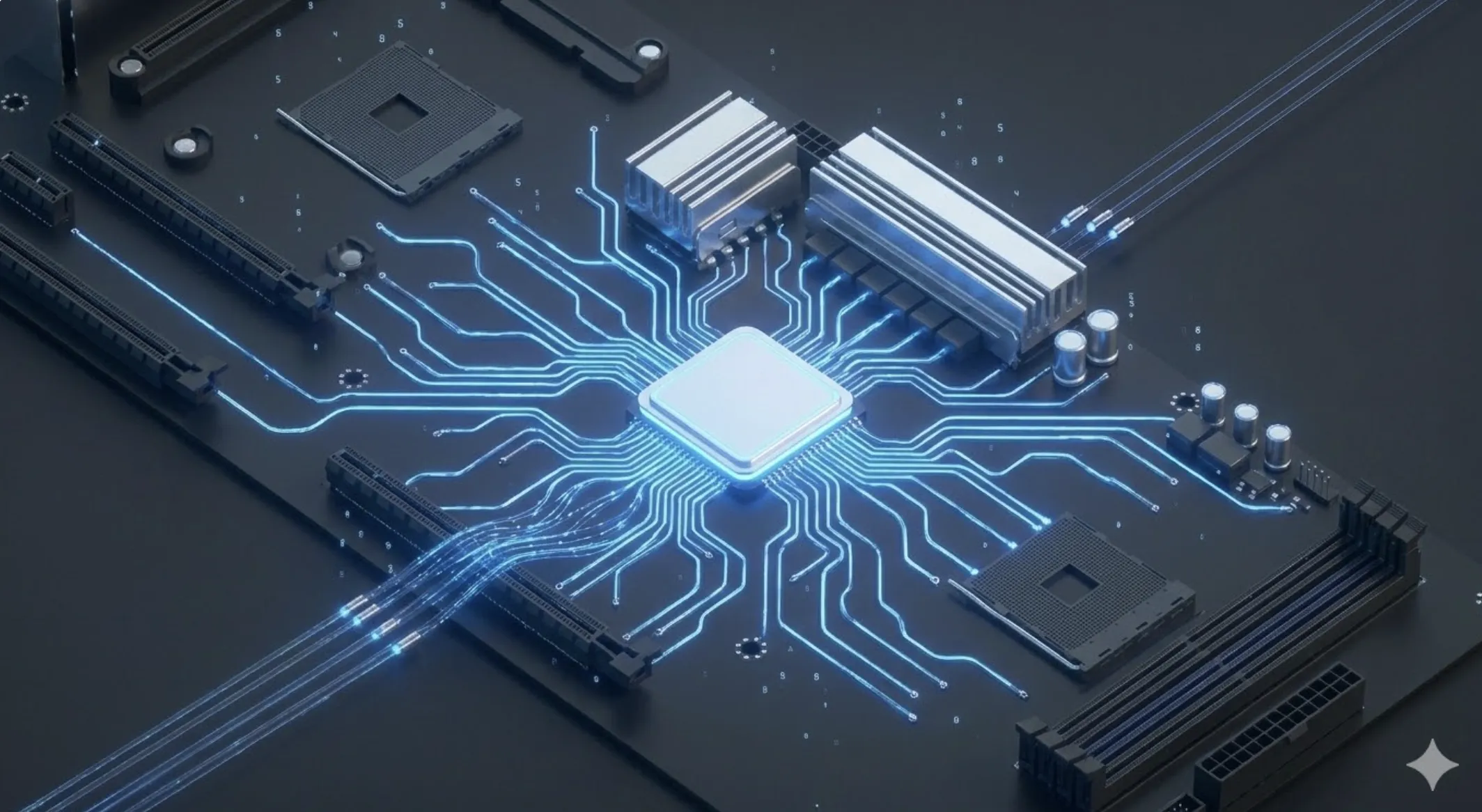
If the CPU is the brain, the chipset is the central nervous system. It is a set of integrated circuits on the motherboard that manages communication between the processor and all other components: peripherals, network ports, sound, and storage.
PCIe Lane Hierarchy
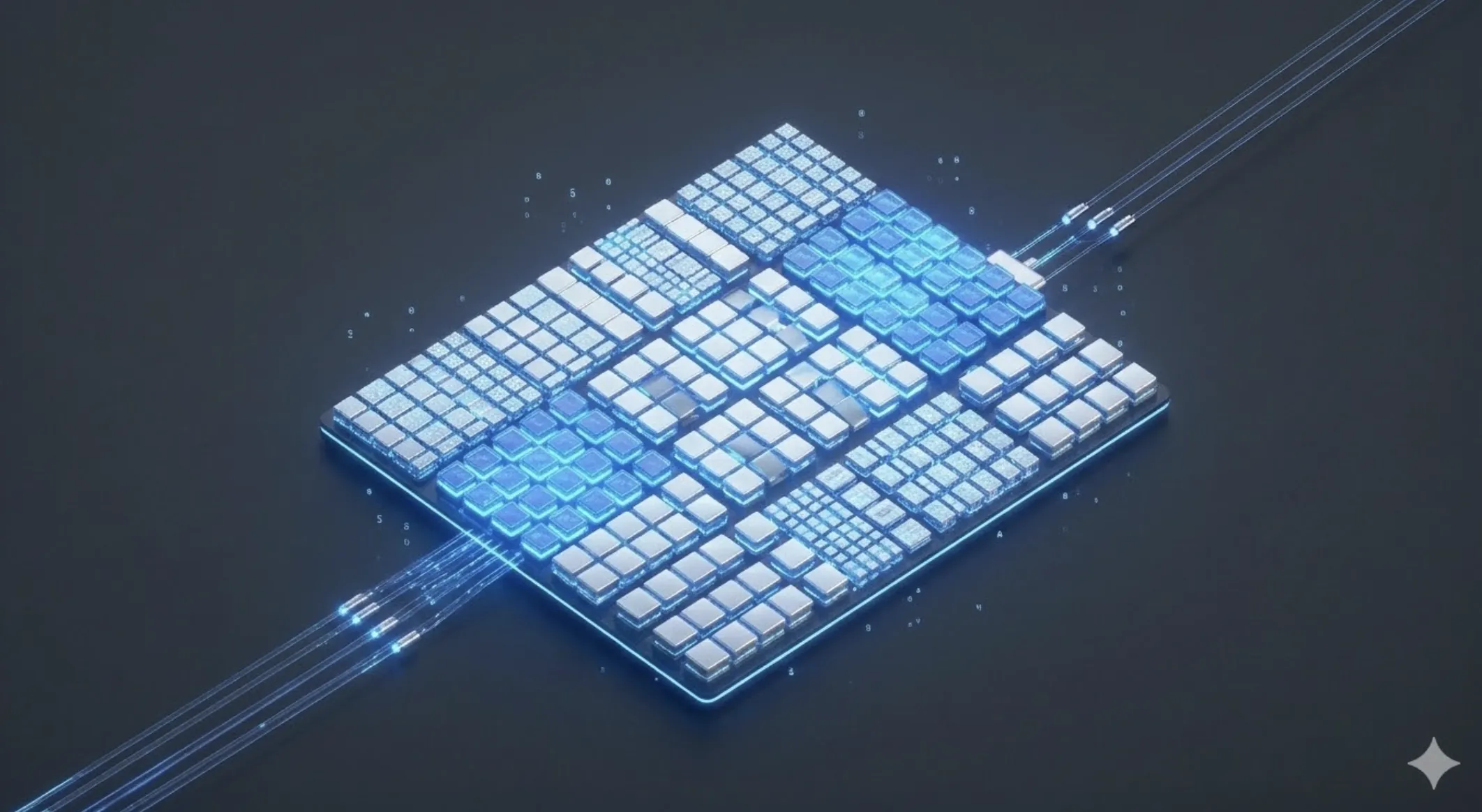
The CPU has a limited number of lanes (typically 16 for the GPU). The chipset acts as a "multiplier" or switch, managing additional lanes for other ports. If you connect too many devices, some ports may reduce speed or disable entirely to share bandwidth.
VRM: The Power Delivery System
The VRM (Voltage Regulator Module) transforms the 12V from the power supply into the exact ~1.2V required by the CPU. High-end motherboards feature more "phases" to provide stable power.
📊 Practical Example
Real-World Scenario: Expanding a Home Storage Server
Step 1: Block Diagram Analysis. Check the motherboard manual. You might find that the second PCIe slot shares lanes with the GPU slot. Using both may drop the GPU from x16 to x8 mode.
Step 2: Intelligent Distribution. Move expansion cards (like 10Gbps NICs) to x1 slots connected directly to the chipset instead of the CPU to free up direct lanes for the GPU.